Pipeline eSign
eSign Now Available on All Accounts! (Action Needed to Use)
Pipeline built-in eSignature tool is officially here!🎉 You can now send documents out for signature directly from within Pipeline, no need to juggle outside tools or download or upload files. Everything stays in one system, saving time and keeping admins in the loop.
eSign is powerful enough to be your sole signature solution, or it can be used only as needed, alongside another e-signature tool.
eSign is NOT turned on by default. Master Admins can try it out by sending up to two free signature requests, then enabling it and setting a budget if they decide it’s a good fit for their office.
👉Learn more about how Pipeline eSign can get your documents signed faster, simpler, and for a fraction of the cost HERE →.
👉Try it out - Master admins: send 2 free requests from any transaction, Reference Library, or top eSign menu in Pipeline.
👉Pricing + Turn it on — click here to view PRICING or enable eSign →
* Some Enterprise accounts may be opted out from this rollout.
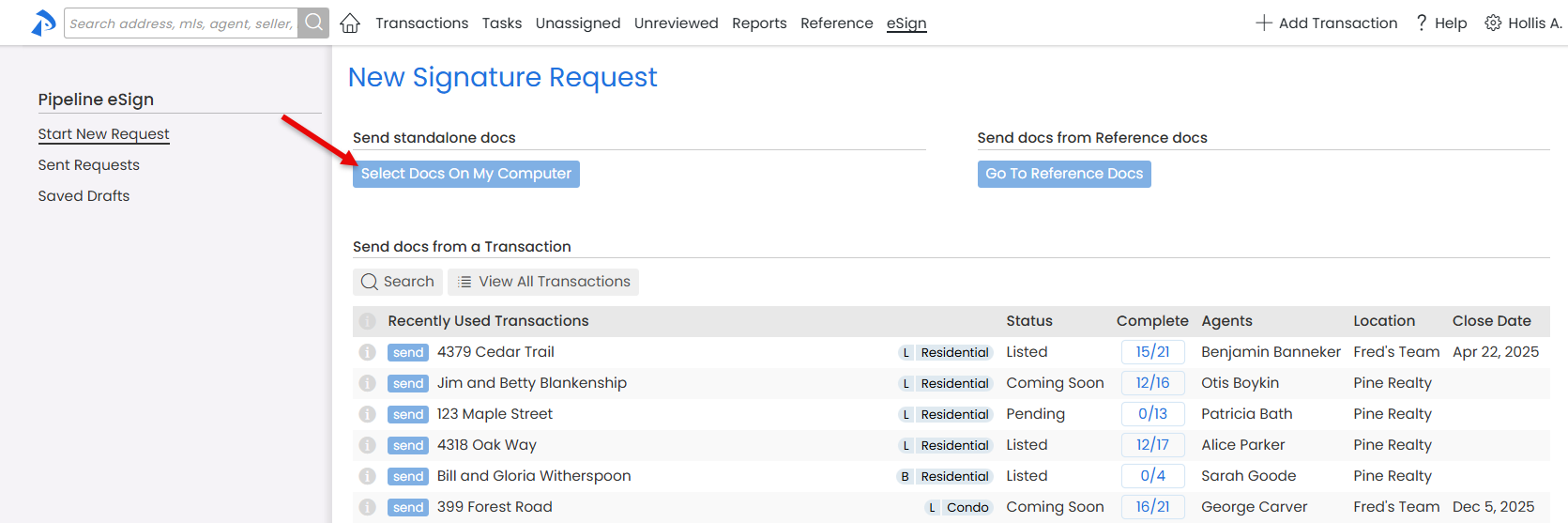
Send Standalone Signature Requests
Signature requests can now be created and tracked completely outside of the transaction workflow, giving you full control over when (and IF) a signed document is added to a transaction.
It’s like having an independent electronic signature system, parked inside Pipeline for instant access.
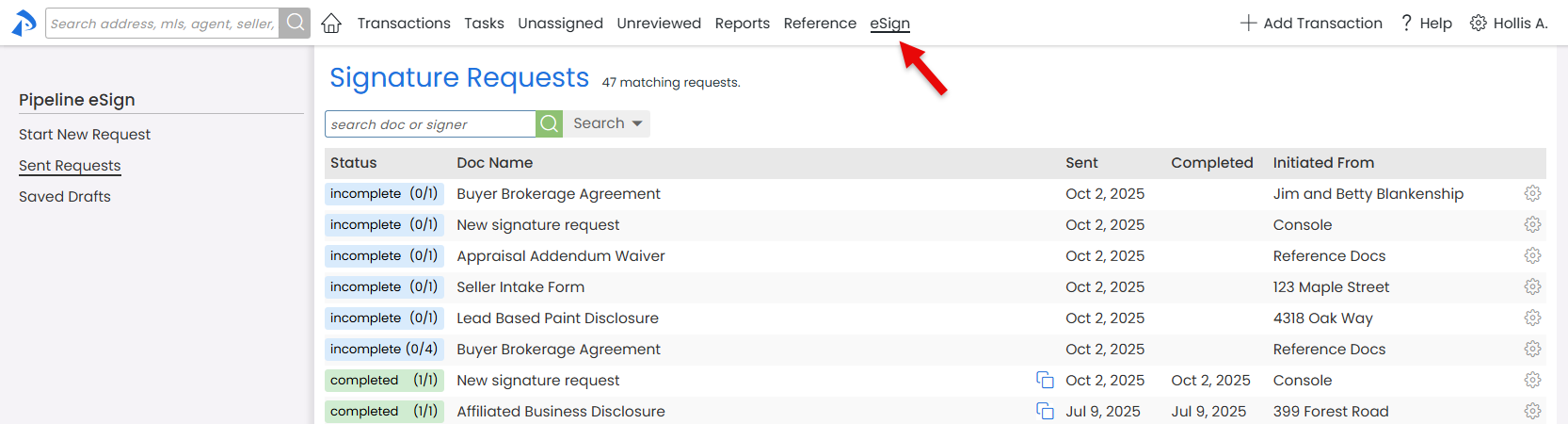
If eSign has been enabled on your account, a new eSign menu item will appear at the top of every page, taking you to a central hub where you can send standalone requests, launch requests from a transaction or the Reference Library, and manage everything you’ve sent.
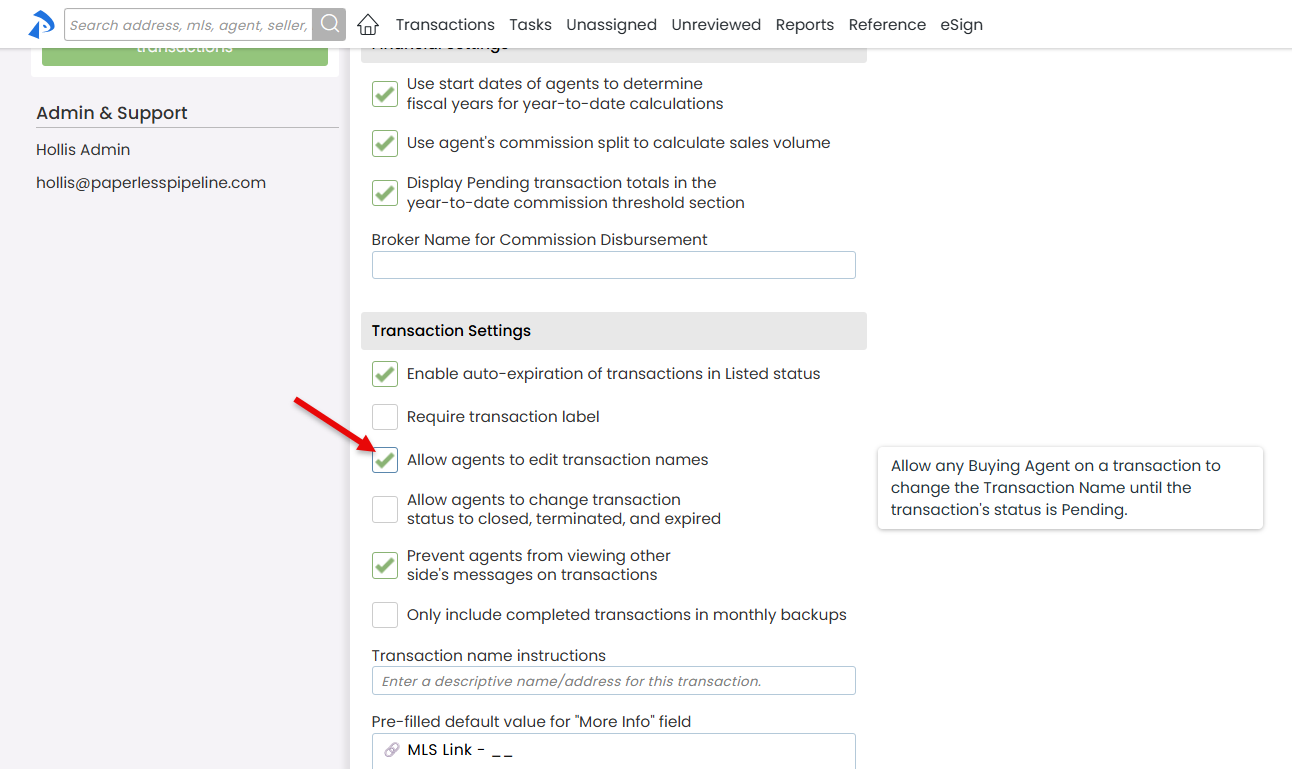
Allow Buying Agents to Update their Transaction Names
Agents often create buyer-side transactions before a property address is known. You can now allow buying agents to update Transaction Names once addresses are known, cutting down on back-and-forth and keeping Transaction Names accurate and up to date.
Master Admins can turn this option on by clicking Allow agents to edit Transaction Names under Company Settings. If enabled, buying agents can edit their transactions' names up until Pending status. To make sure Admins remain aware of such changes, an email notification is automatically sent to the appropriate Admins whenever a Transaction Name is changed by an agent.